
NEW · PHYSICS & STRATEGY
Tumbling Blocks: Free 3D Block Tower Game
One steady hand.
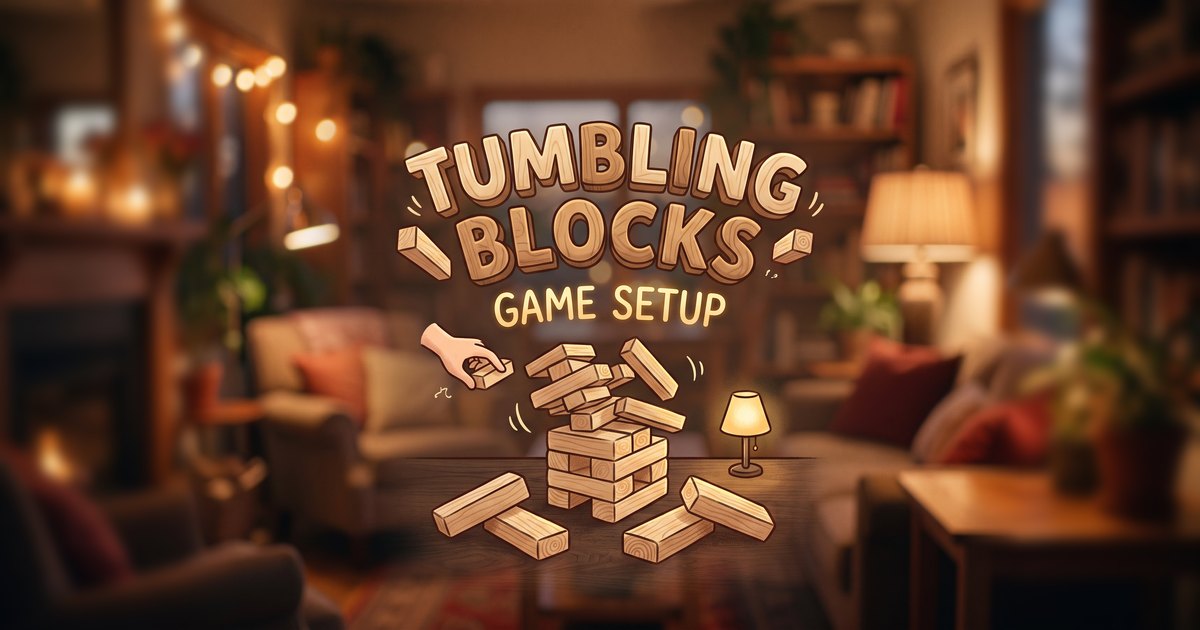
Tumbling Blocks is a free block tower game you play right in your browser. Pull a wooden block from the tower without making it fall, then stack it on top. Real 3D physics makes every wobble count. Play solo, against the computer or with a friend on the same device. There’s nothing to download or install.
Choose a play mode. The game loads only when you start.
Online matches are casual, host-simulated sessions—not ranked competitions. Keep both game tabs open. Matchmaking needs another signed-in player; there is no guaranteed wait time.
HOW TO PLAY
How to play the block tower game
Read the tower, not just the block.
- Choose a block face. Find a piece below the highest complete level. Try a light test to see how freely it moves.
- Commit, then work it out. Push or knock, grab the exposed end and gently pull it clear. Watch the tower’s wobble.
- Stack it on top. Use the placement guides, rotate if needed and lower the piece carefully. The next player takes their turn when the tower settles.
YOUR TABLE, YOUR PACE
Play alone or share the tension.
Practise solo, face the computer or take turns with a friend on one device. Local modes include different tower heights, materials and table scenes.
For online play, sign in and join the queue. Two players share a classic wooden tower, with the first player’s browser running its physics. The server checks room membership and admits controls only on the correct turn.
Drag on touchscreens or use a mouse. The in-game guide explains push, pull, turn and placement controls. Sound starts after a user gesture and can be switched off.
Before you pull the first block
Is Tumbling Blocks free?
Yes. It’s completely free and runs in your browser on phone or computer.
How do you play the block tower game?
Choose a block below the top level, test how loose it is, pull it out carefully and place it on top. The player who knocks the tower over loses.
Can I play against a friend?
Yes. Take turns on one device, or sign in to play online against another player.
Can I play against the computer?
Yes. The computer takes its own turns pulling and stacking blocks.
How do I play online?
Sign in, choose Find an online opponent and keep the page open while another signed-in player joins. Online play uses a shared classic wooden tower. Both players need a stable connection.
What happens if I leave or stop playing?
After three minutes without input, your active game resets. Leaving or losing the connection closes an online room; it does not award a ranked result.
You need a browser with WebGL. First load includes the bundled physics engine; on older phones, choose a simpler scene for smoother play.